
DocumentationProject documentation can become misleading when decisions, tools or deliverables change but the written guidance does not. Learn how to spot stale documents, verify what is still true and build lightweight update habits that work for freelancers, students and small teams.
Read article · 4 min↗

DocumentationA symptom-based troubleshooting guide helps readers start with what they can observe, even when they do not know the cause. Learn how to collect recurring problems, write clear checks and fixes, and keep the guide useful as a project changes.
Read article · 4 min↗

DocumentationA useful research record does more than collect observations. It shows where each finding came from, what the evidence can and cannot support, and how the team should use it. This guide offers a practical structure for documenting findings in digital and creative projects.
Read article · 4 min↗

DocumentationA useful changelog tells readers what changed, why it matters and whether they need to do anything. Learn which changes to include, how to write clear entries and how to keep the record manageable throughout a project.
Read article · 4 min↗

DocumentationA useful system diagram shows how a project works without making people decode its technical details. Learn how to choose a clear scope, draw the main parts and connections, and turn the finished diagram into documentation your team can use.
Read article · 4 min↗

DocumentationA data dictionary explains what each field means, how to fill it in and how it should be used. Learn to create a lightweight reference that keeps forms, spreadsheets and handoffs consistent.
Read article · 4 min↗

DocumentationA useful design system does more than list colors and components. Learn how to document token decisions, component behavior and changes so designers and developers can work from the same expectations.
Read article · 4 min↗
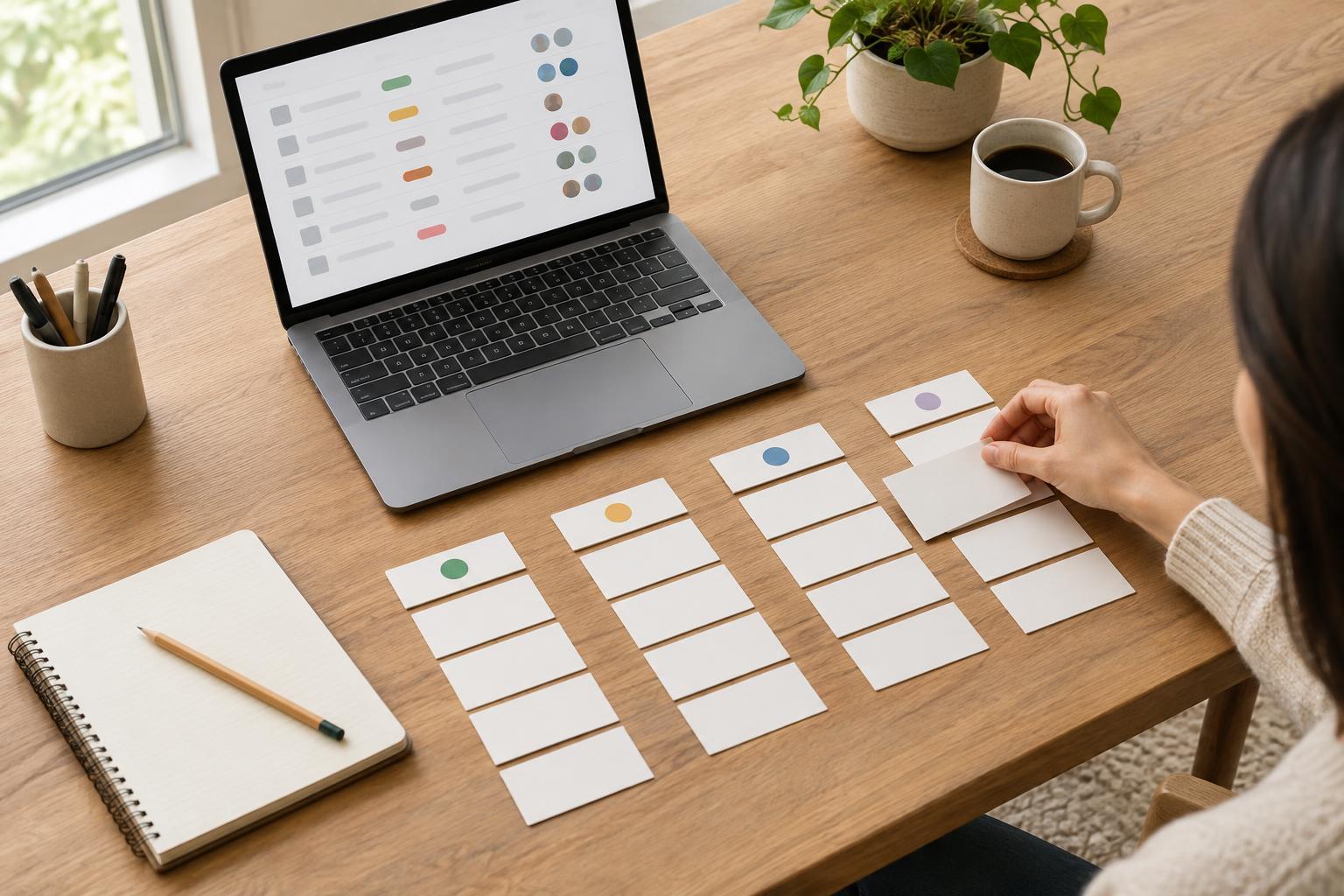
DocumentationA content inventory gives every page a place to be tracked, reviewed and maintained. Learn how to record page status, assign a clear owner and use the inventory to move a website project toward delivery.
Read article · 4 min↗

DocumentationA useful local setup guide helps someone move from a fresh copy of a website project to a working page without guessing. Learn what to record, how to make each step verifiable, and how to keep the guide useful as the project changes.
Read article · 4 min↗

DocumentationA useful account record tells collaborators what tools a project uses, who owns access, and how to request it. It does not need to contain passwords. Learn how to build an access inventory, keep credentials separate, and make handovers easier for freelancers, students, and small teams.
Read article · 4 min↗

DocumentationA useful procedure helps someone complete a task without guessing what happens next. Learn how to define its scope, write clear steps, handle exceptions, and test it with a real project.
Read article · 4 min↗

DocumentationA project plan often depends on things nobody has confirmed yet. A simple record of assumptions and constraints makes those dependencies visible, gives each one a way to be checked, and helps freelancers, students and small teams respond when plans change.
Read article · 4 min↗

DocumentationA project glossary gives collaborators one place to check what a term means in the context of their work. Learn how to choose entries, write useful definitions, organize the page, and keep it accurate as the project changes.
Read article · 4 min↗

DocumentationUseful meeting notes do more than record what people said. They show what was decided, what remains open, and who will do what next. This guide offers a simple format for taking, sharing, and maintaining notes that help digital and creative projects move forward.
Read article · 4 min↗

DocumentationA decision log records not just what a team chose, but why. Learn what to include, when to add an entry, and how to keep the log useful without turning it into another time-consuming document.
Read article · 4 min↗

DocumentationA practical way to describe what a digital project must do, make unusual situations visible, and give collaborators a shared basis for building and reviewing the work.
Read article · 4 min↗

DocumentationA useful README helps someone open a project folder, understand what belongs where, find the latest working files and continue the work without guessing. Here is a practical structure for freelancers, students and small teams.
Read article · 4 min↗

DocumentationA shared document, a wiki and a repository README can all be useful, but they serve different readers and workflows. Learn how to choose a home for each kind of project information, connect the pieces and keep them useful through delivery.
Read article · 4 min↗

DocumentationA documentation index gives a project one reliable starting point. Learn how to organize links to briefs, decisions, working files and delivery notes so collaborators can find what they need without searching through folders and messages.
Read article · 4 min↗

DocumentationSmall creative teams do not need a document for every conversation. They need a few reliable places to find the brief, decisions, work in progress, feedback and final files. Here is a practical documentation setup that supports delivery without becoming a project of its own.
Read article · 4 min↗