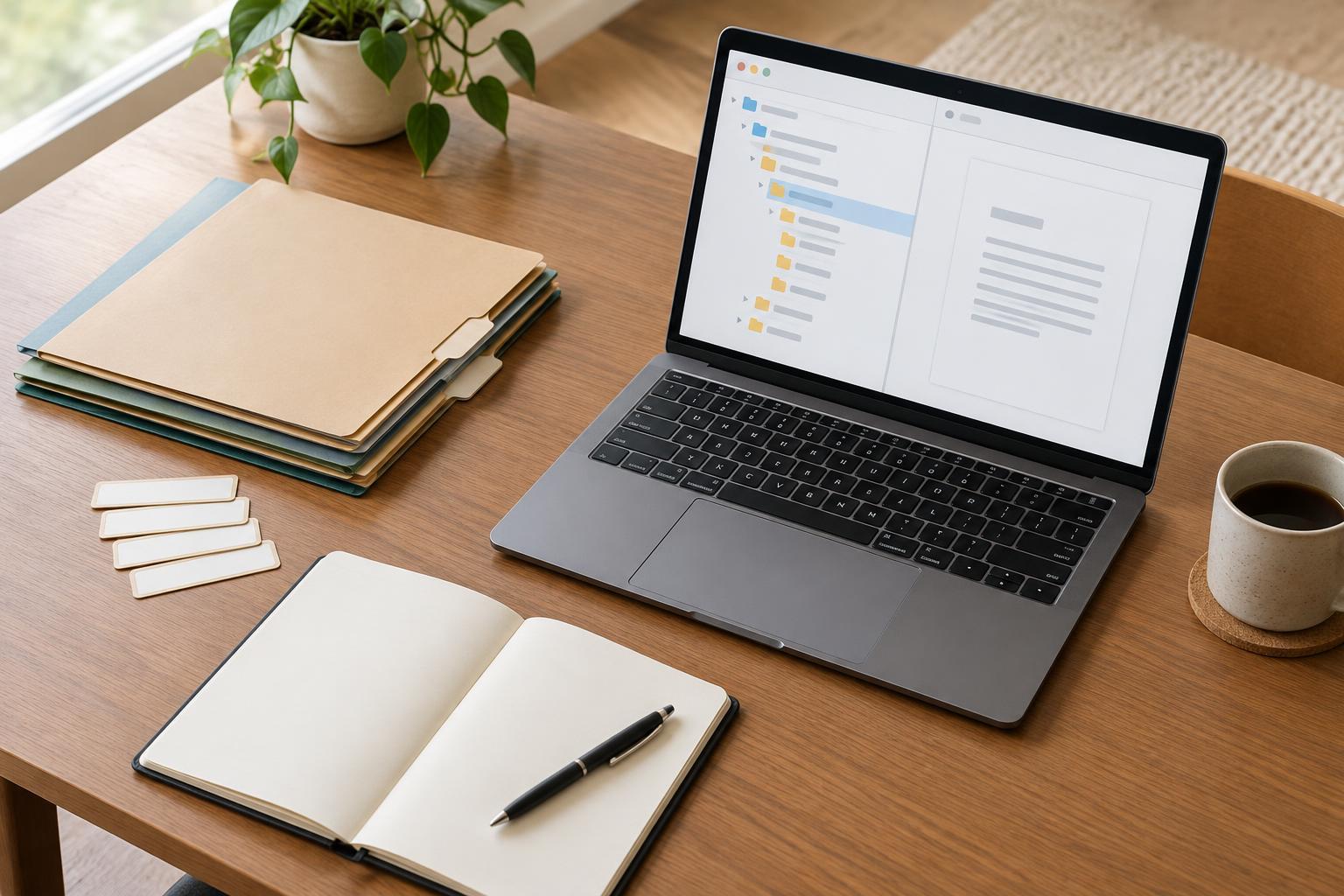
Start with the questions a newcomer would ask
A README is a short guide placed at the top of a project’s working folder. Its job is not to document every decision. It should help a collaborator, reviewer or future version of you answer basic questions: What is this project? Which files should I open? What do I need to work on them? Where is the current version? What should I avoid changing?
Write the opening for someone who has not attended your meetings or seen your messages. Give the project name, a one- or two-sentence purpose, and the status of the work. For example: “Community event site: working design and content files for a three-page website. The layout is ready for review; copy and images are still being revised.” If the folder is part of a larger project, explain its scope so readers do not mistake working material for a finished deliverable.
Make the folder structure easy to navigate
A useful README names the main folders and explains what belongs in each one. Keep this map selective: readers need to know where to start, not see a list of every file. A small website project might have “brief” for requirements, “content” for draft copy, “design” for editable layouts, “assets” for images and icons, and “exports” for files prepared for review or delivery. Use the folder names as they appear so people can find them.
Point to the primary working file and explain the status of alternatives. If “homepage-v3” is current and “homepage-explorations” holds older options, say so. Better yet, choose descriptive names that remain meaningful outside the README. Avoid relying on labels such as “final-final,” which become confusing as soon as another revision is needed. If the project has a separate delivery folder, distinguish it clearly from the editable source files.
Explain how to open and use the files
Document the minimum setup needed to continue work. Name the applications or file formats involved, along with any important compatibility details you know. A student sharing an animation project, for instance, could identify the main project file, the folder containing linked media, and whether those folders must stay together. A freelancer handing off a website could explain where editable copy lives and which folder contains the assets used by the site.
Include concrete steps when the order matters: open the named file, check that linked assets load, then use a specified export folder for review copies. If a project depends on fonts, plugins or shared resources that are not included, list them and explain how an authorized collaborator can obtain them. Do not put passwords, private access tokens or other secrets in the README. Instead, identify whom to contact or where approved access instructions are kept.
Record decisions that affect the work
A README is especially valuable when the files alone cannot explain why something looks unfinished. Add a brief “status and decisions” note covering approved choices, open questions and known limitations. For example: “The mobile navigation layout is approved; the photographs are placeholders; accessibility review is pending.” This gives a small team a shared starting point and prevents a reviewer from treating an unresolved item as an oversight.
Keep detailed discussion in the brief, task tracker or decision log if the project has one, and point to that material from the README. Note who maintains the working files and how changes should be coordinated. A simple instruction such as “Add new review exports to the exports folder; do not overwrite approved source files” can prevent avoidable handoff problems. If files include licensed, client-provided or sensitive material, state any handling restrictions you have been given without inventing permissions.
Keep the README useful through delivery
Create the README early, then update it when the project changes direction, a main file is replaced or the folder structure moves. Before sharing the folder, test the instructions as a newcomer would: start at the top level, follow the named paths and check that the identified working file opens with its supporting assets. Ask a teammate to try the same process if possible. Any question they need to ask is a clue that the guide needs another sentence.
At handoff, revise the status note to say what is delivered, what remains editable and whether anything is outstanding. You can also identify which exports are appropriate for a portfolio and which working files should stay private, subject to the project’s permissions. A good README does not need to be long. It needs to match the folder people actually receive, making it easier for the next person to pick up the work with confidence.


