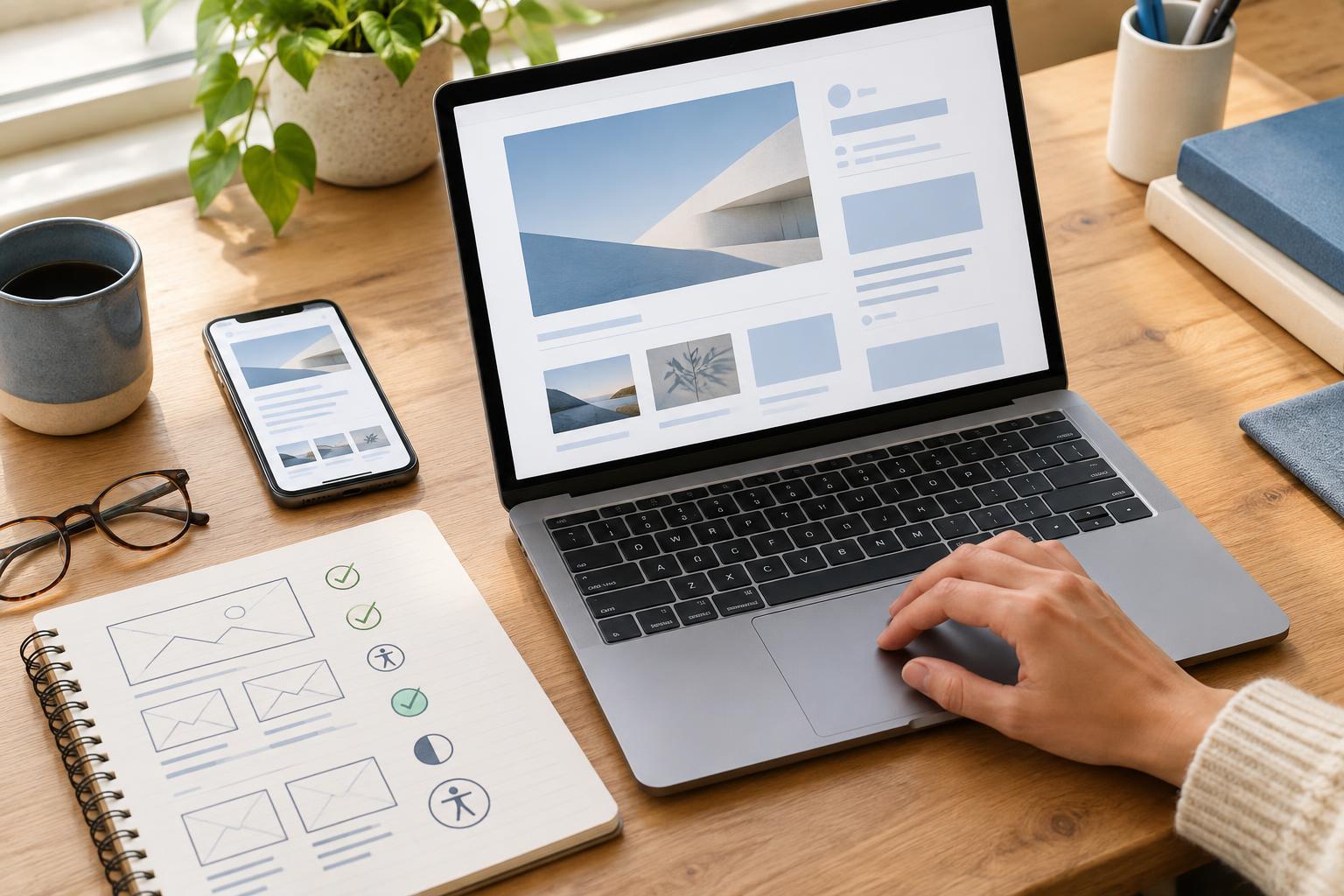
Start with a story visitors can follow
A portfolio case study has two jobs: show what you contributed and help someone understand why the work matters. A polished page may still leave visitors behind if its meaning depends on tiny captions, unexplained screenshots or a long introduction before the project becomes clear. Accessibility starts with a straightforward story.
Open with a short summary of the project, your role, the goal and the outcome. Then use headings that describe each stage, such as “The problem,” “What I did” and “What changed.” Keep paragraphs focused and explain specialist terms when they first appear. A student might distinguish a class brief from a real client assignment; a freelancer might clarify which parts of a larger project they delivered. This context helps visitors assess the work without guessing.
Make visuals useful even when they cannot be seen
Images often carry the most important evidence in a creative case study. Give meaningful images text alternatives that convey their purpose, rather than repeating a file name or writing “project image.” For a screenshot of a revised booking form, describe the relevant change: “Revised booking form with a single-column layout and clearly labelled required fields.” If nearby text already explains the image fully, a brief description may be enough. Decorative images do not need to add noise to the reading experience.
Do not make visitors infer a result solely from a before-and-after collage. Explain in the body text what changed and why you made that decision. Label diagrams and charts clearly, and summarize their main point in words. If you include a video walkthrough, provide captions for speech and meaningful sounds, plus a transcript or written account of the decisions shown on screen. These additions also help people browsing without audio or reviewing the project quickly.
Design the page for comfortable reading and navigation
Use a clear heading order so visitors can scan the page or move between sections with assistive technology. Write link text that names the destination or action, such as “View the prototype” instead of “Click here.” Keep important labels visible, and avoid using color alone to mark success, failure or a project stage. Text should remain legible against its background, including captions and text placed over images.
A case study may be opened on a phone, enlarged in a browser or navigated with a keyboard. Check that text can wrap without hiding content, controls have clear labels, and links and interactive elements can be reached in a sensible order. If an embedded prototype is difficult to use, offer an accessible summary of its purpose and key screens. The goal is not to reproduce every interaction in prose; it is to make the work understandable even when the demo is unavailable.
Present evidence without creating new barriers
Project documents can strengthen a case study, but a link to an inaccessible slide deck should not be the only place where your process is explained. Put the essential decisions and outcomes on the case study page. Treat downloads, prototypes and image galleries as supporting material, and say what each contains before visitors open it.
Choose evidence you can share responsibly. A small team might show a redacted planning board to explain how tasks were coordinated, while a freelancer might recreate a sensitive example with placeholder content. Name collaborators and distinguish your contribution from shared work where appropriate. Clear attribution makes the story more credible and prevents an accessibility improvement, such as a detailed image description, from exposing information that should remain private.
Build a simple review into your publishing routine
Before publishing, read the case study without looking at its images. Can you still identify the challenge, your actions and the result? Then review it at a smaller screen size and with enlarged text. Try reaching every link and control using only a keyboard. These checks can reveal missing context, cramped layouts and navigation problems before visitors encounter them.
Ask a colleague or classmate who was not involved in the project to explain what they understood from the page. If they cannot tell what you personally did, revise the summary rather than adding more screenshots. Keep a short checklist for future case studies: clear headings, meaningful image descriptions, readable text, understandable links, usable media and a concise account of your contribution. Accessibility works best as part of the portfolio workflow, not as a final decorative touch.


