Start with the approved direction
Visual consistency does not mean making every screen or page identical. It means that related elements look and behave as though they belong to the same project. Before reviewing the finished work, reopen the brief, any approved examples, and the latest design decisions. Note the intended audience, required formats, brand rules, and any deliberate exceptions. A campaign graphic may need more expressive typography than a form, for instance, without feeling like it came from a different organization.
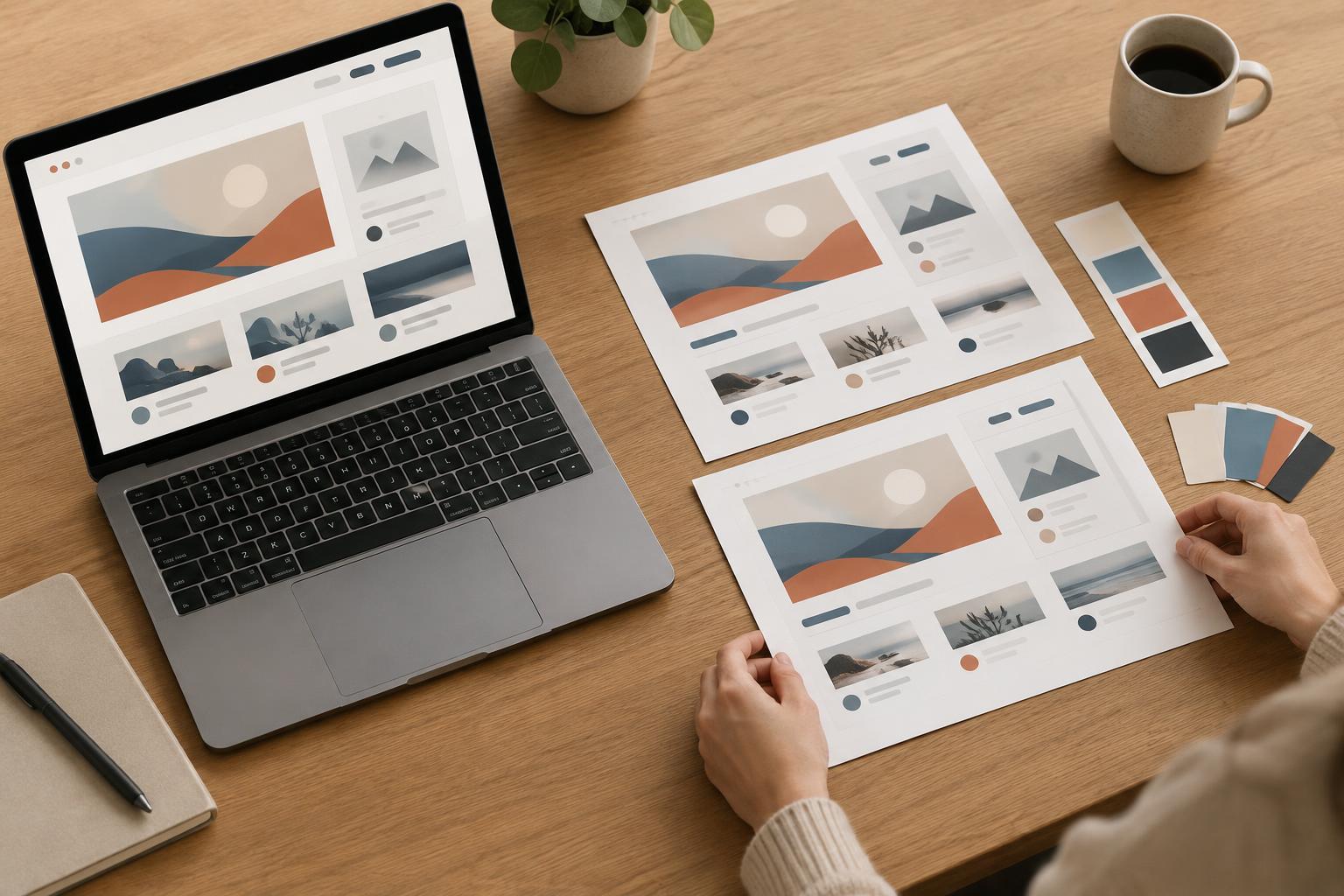
Choose a small set of representative pieces to compare side by side: a landing page and its mobile version, several slides from a deck, or a selection of social posts. Include both simple and complex examples. This gives you a reference for the visual rules the project actually uses, rather than relying on memory or judging each file in isolation.
Check the visual building blocks
Review typography first. Compare heading levels, body text, captions, button labels, line spacing, and capitalization. A heading that looks slightly different on one page may be an accidental style override; a smaller heading on a narrow screen may be intentional. Check whether similar content has similar emphasis and whether text remains readable against its background. Look closely at long titles, empty states, and dense blocks of copy, where inconsistencies often become easier to spot.
Next, compare colors, imagery, icons, and effects. Confirm that the same type of action uses the same color treatment and that photos or illustrations share an appropriate tone and cropping approach. Look for icons with mixed stroke weights, buttons with different corner shapes, or shadows that appear on only one instance of a repeated component. If the project has a style guide or shared library, compare the delivered work with it. If it does not, record the patterns you observe so the final review has a clear reference.
Review spacing, alignment, and states
Spacing is easier to judge as a system than as a collection of individual gaps. Scan for recurring distances between headings and body text, cards and their contents, or sections on a page. Check that elements align to the same grid where expected. A small inconsistency may be harmless on its own, but repeated shifts can make a layout feel unsettled. Zoom out to assess overall rhythm, then zoom in to investigate anything that looks uneven.
Do not limit the review to the polished default view. Check the sizes and states that are part of the agreed delivery: narrow layouts, open menus, hover or focus treatments, error messages, selected items, and content with unusually short or long text. For a presentation or print piece, inspect pages with different amounts of content and check margins, page numbers, and repeated labels. The goal is not to force every situation into one layout, but to make exceptions look considered.
Test the files someone will actually receive
A design can look consistent in an editor and change after export. Open the final files outside the working document when possible. Check that fonts, images, colors, and line breaks appear as intended, and that no object has shifted or been clipped. For digital assets, inspect the agreed dimensions and formats. For a multi-page PDF or deck, move through the pages in order to catch changes that are less obvious when viewing pages separately.
Also check file names and versions. Clear names help a client or teammate identify the final asset without guessing which draft is newest. Remove unintended duplicates from the delivery folder, but keep source files and editable assets if they are part of the agreement. A tidy package will not fix a visual error, yet it makes the design easier to review and use correctly.
Make the final review repeatable
Set aside a short pass for consistency after content and major layout decisions are settled. Use a checklist with categories such as type, color, spacing, imagery, states, and exports. Log each issue with its location and a specific action: “Match the card title style on page four” is more useful than “Fix cards.” Resolve repeated issues at their source, such as a shared component or master slide, before adjusting individual instances.
If someone else is reviewing, ask them to compare the work against the approved direction and identify patterns rather than offer only general impressions. After changes, repeat a focused check on the affected files and export them again. For freelancers, students, and small teams alike, this final loop helps turn a collection of finished pieces into a coherent delivery—and leaves a clearer record of the choices behind it.


